Title here
Summary here
A safe allows you to easily organize your codes by theme: Personal, Work, Shared, etc.
Another advantage is the security of your data: Brennus OTP manages one encryption key per safe. As a result, each code in a safe is encrypted by the key for that safe. If your database were to be compromised, the key for each code would need to be found in order to retrieve your codes.
This limits potential losses.
The encryption keys for each vault are stored in the iOS Keychain.
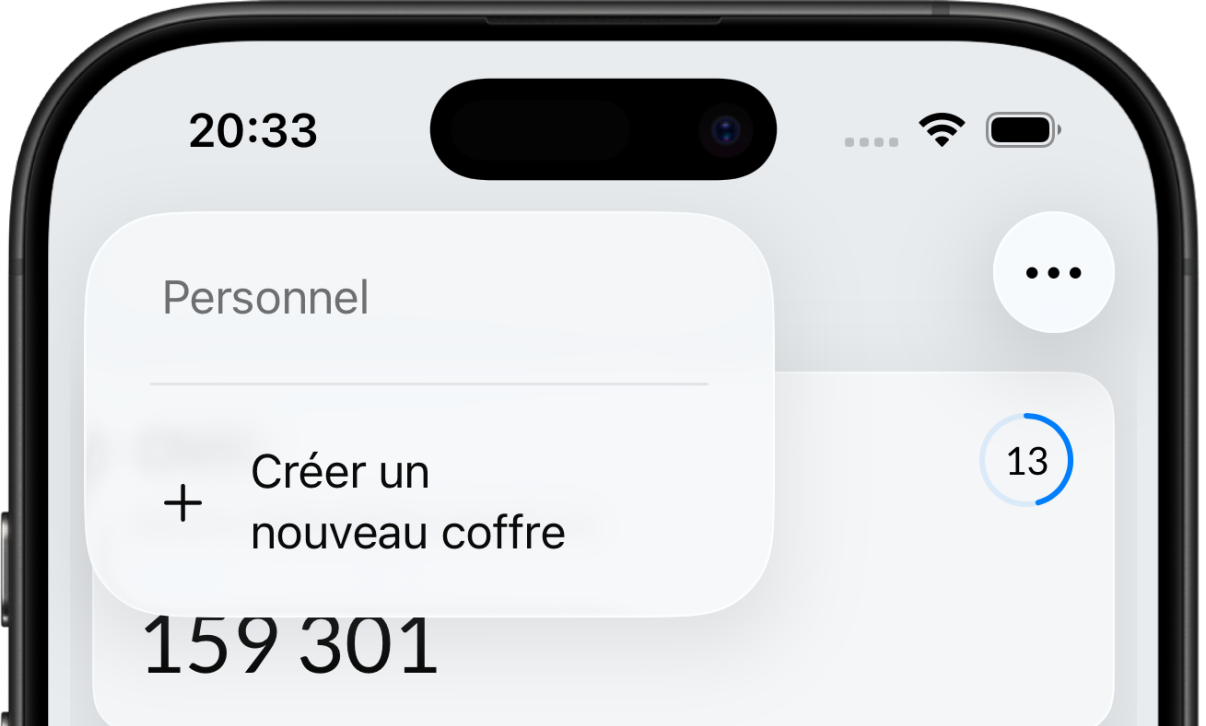
To create a new vault, simply click on the vaults menu in the upper left corner of the dashboard and select the Create New Vault entry:
 ➡️
➡️
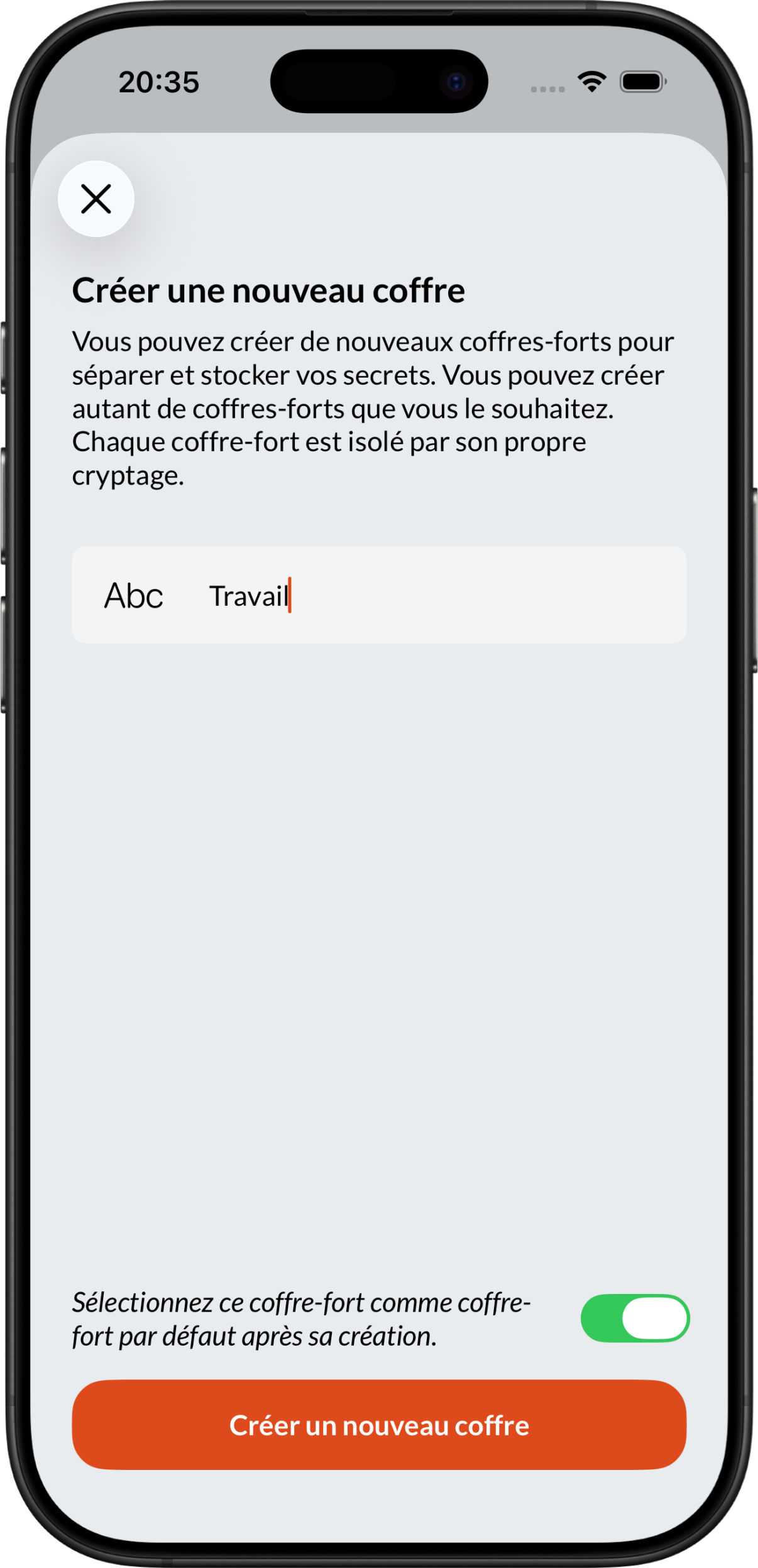
You can then add new codes directly to this vault.
When you import backups from another application (e.g., Bitwarden, Ente, Lastpass, etc.), Brennus OTP will automatically create one (or more) vaults to store the imported data.
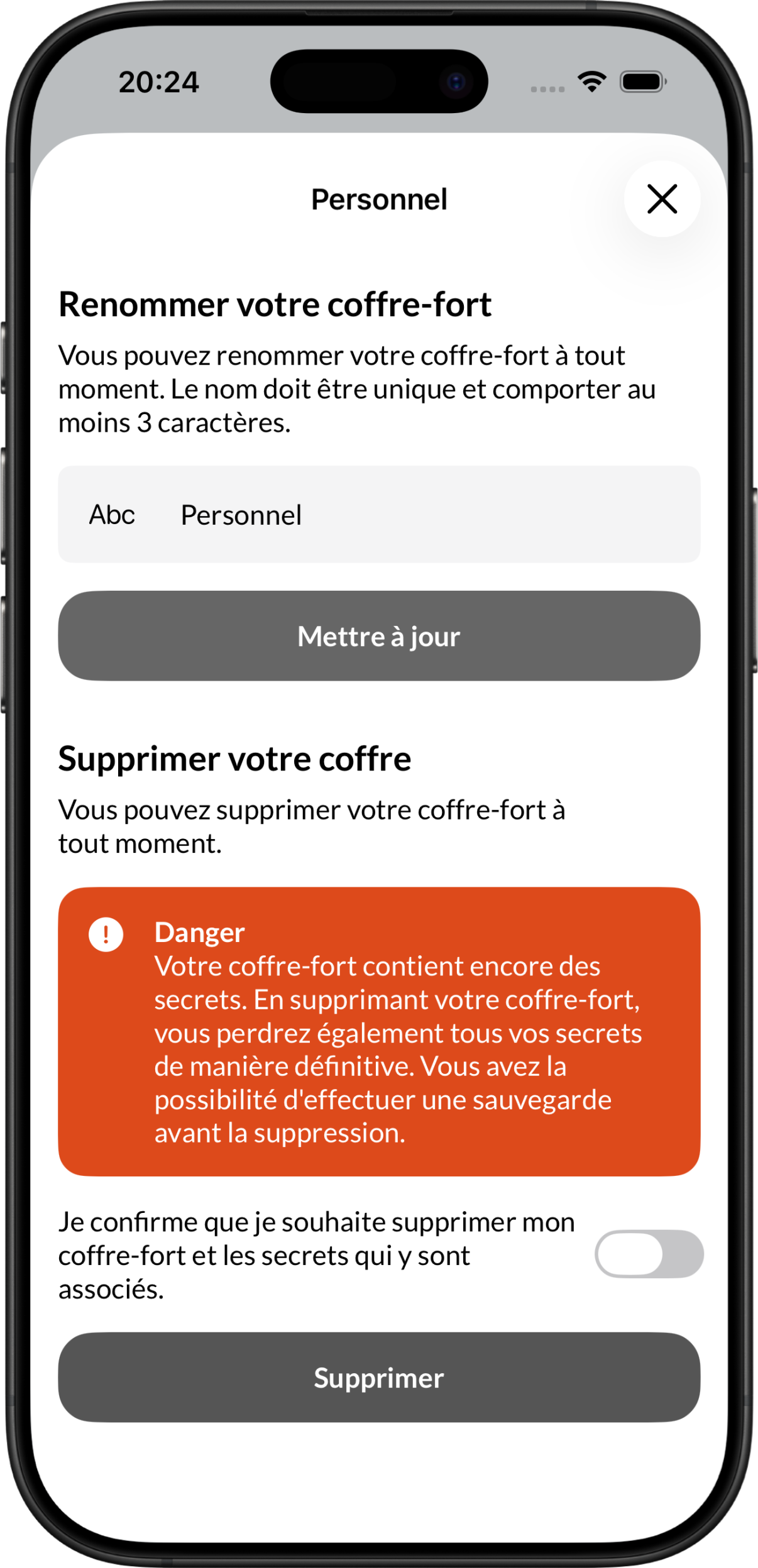
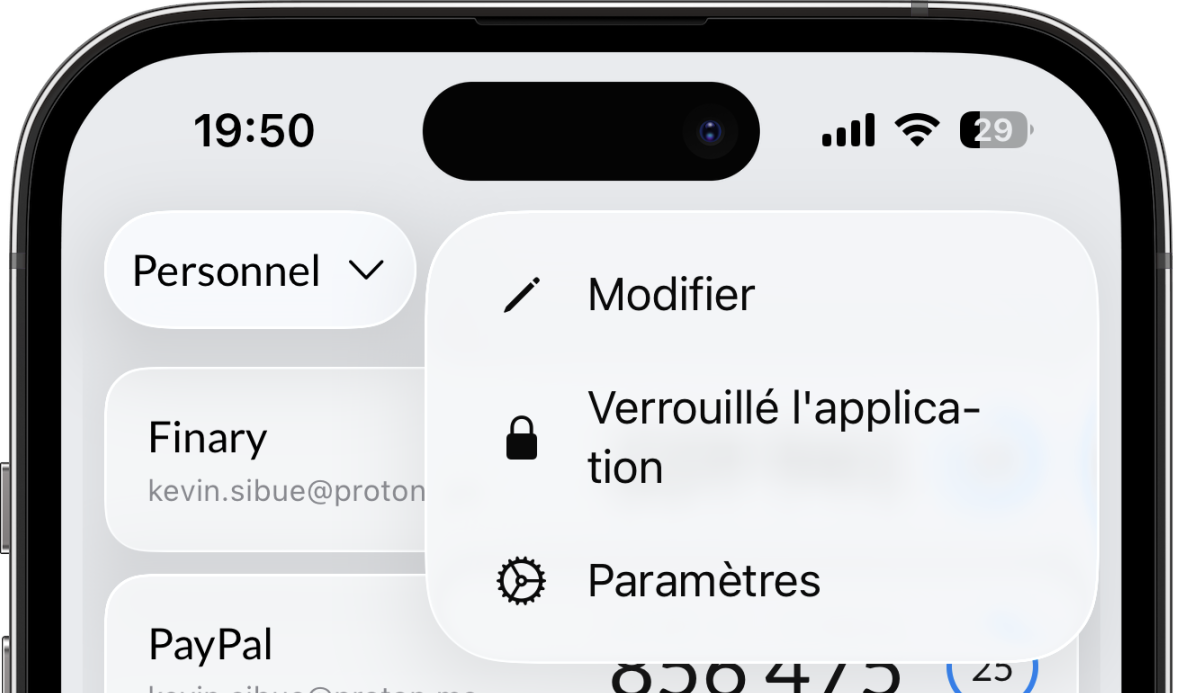
You will have the opportunity to change the name of the vault after importing it in the Edit menu:
 ➡️
➡️