Title here
Summary here
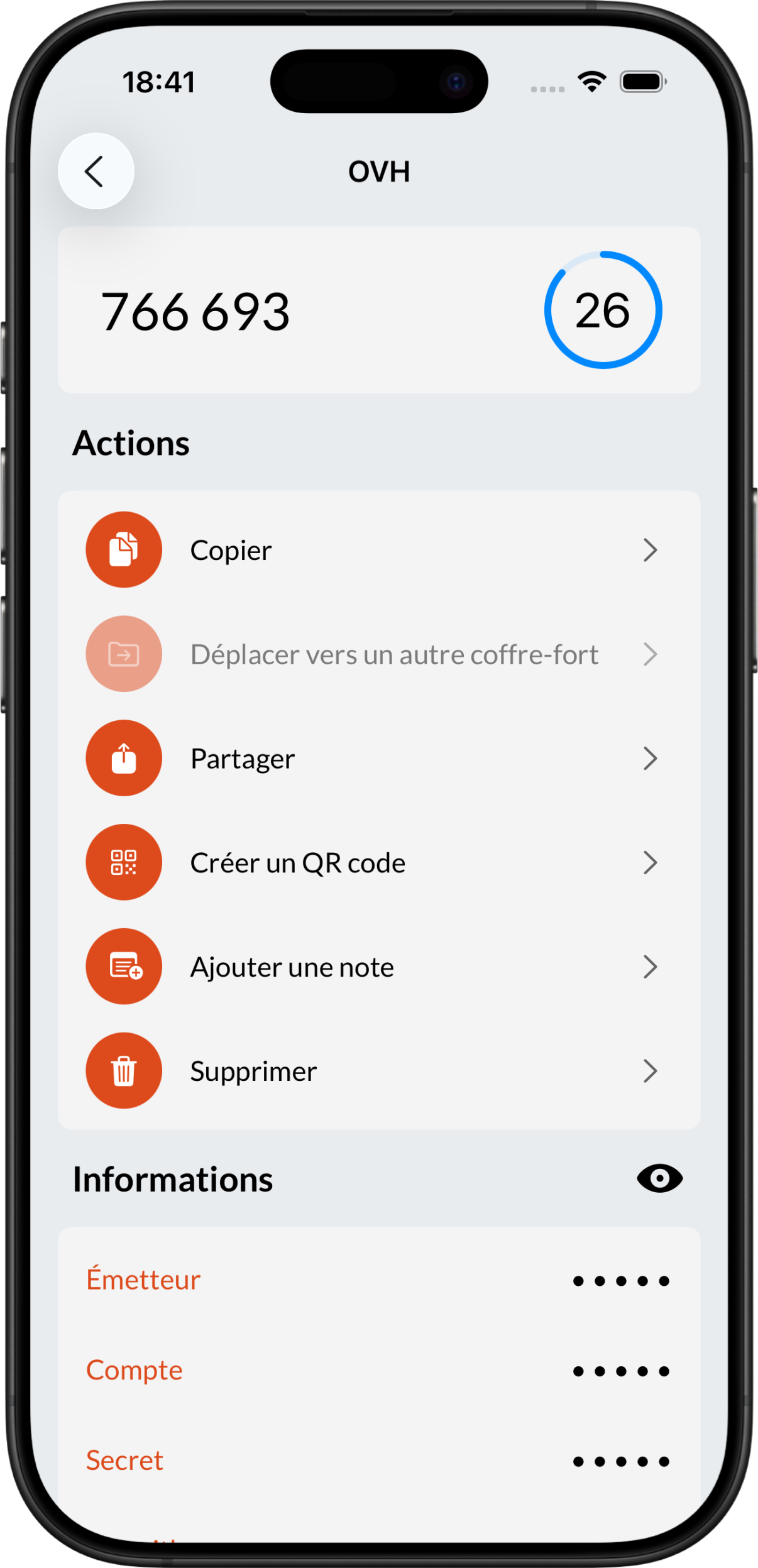
You can share an OTP code using an otpauth URL. To do this, go to one of your codes’ pages and select the Share action.
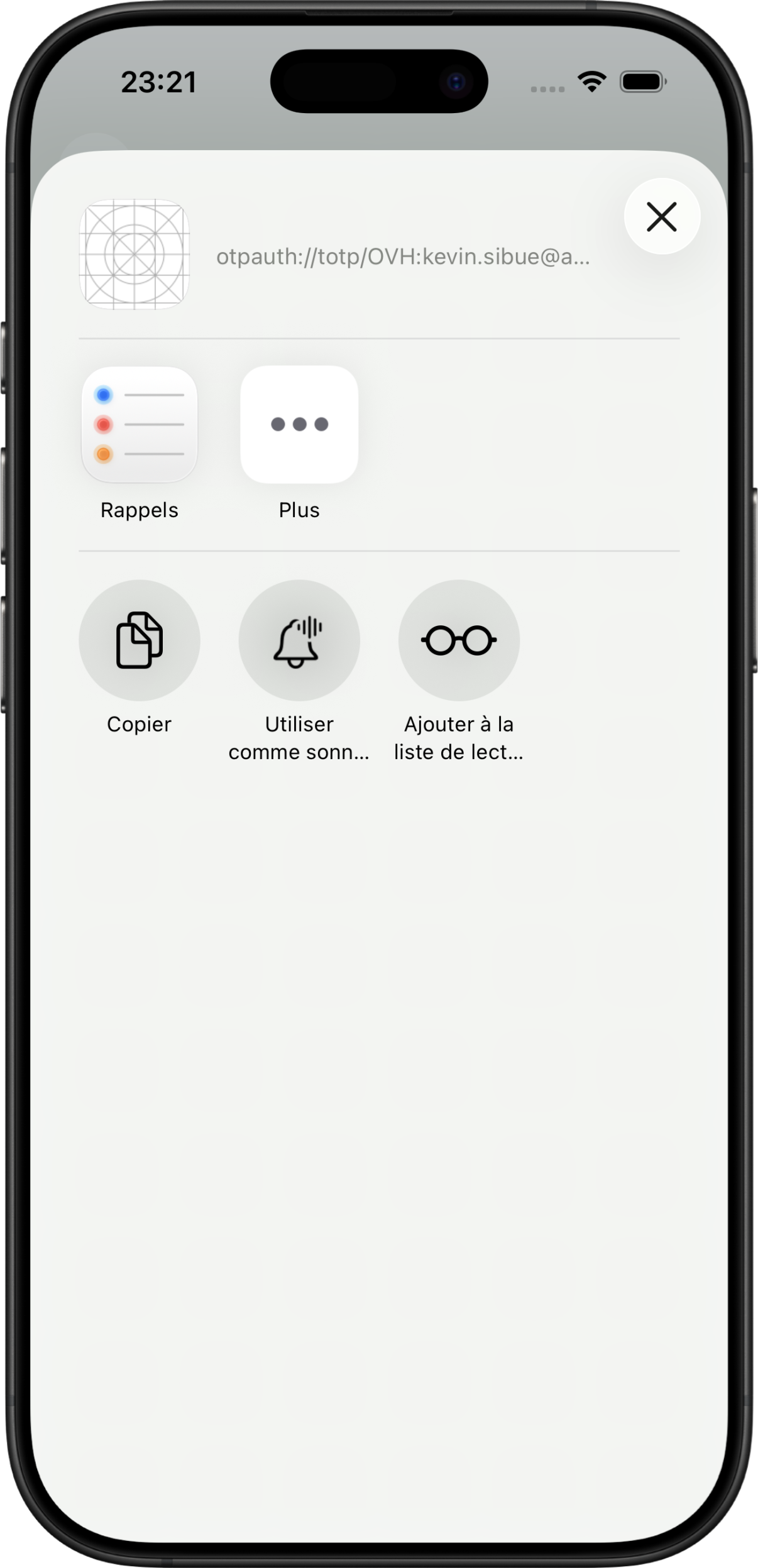
The share pop-up will then open, allowing you to send this URL:
 ➡️
➡️
Caution
Be careful about the data you share.
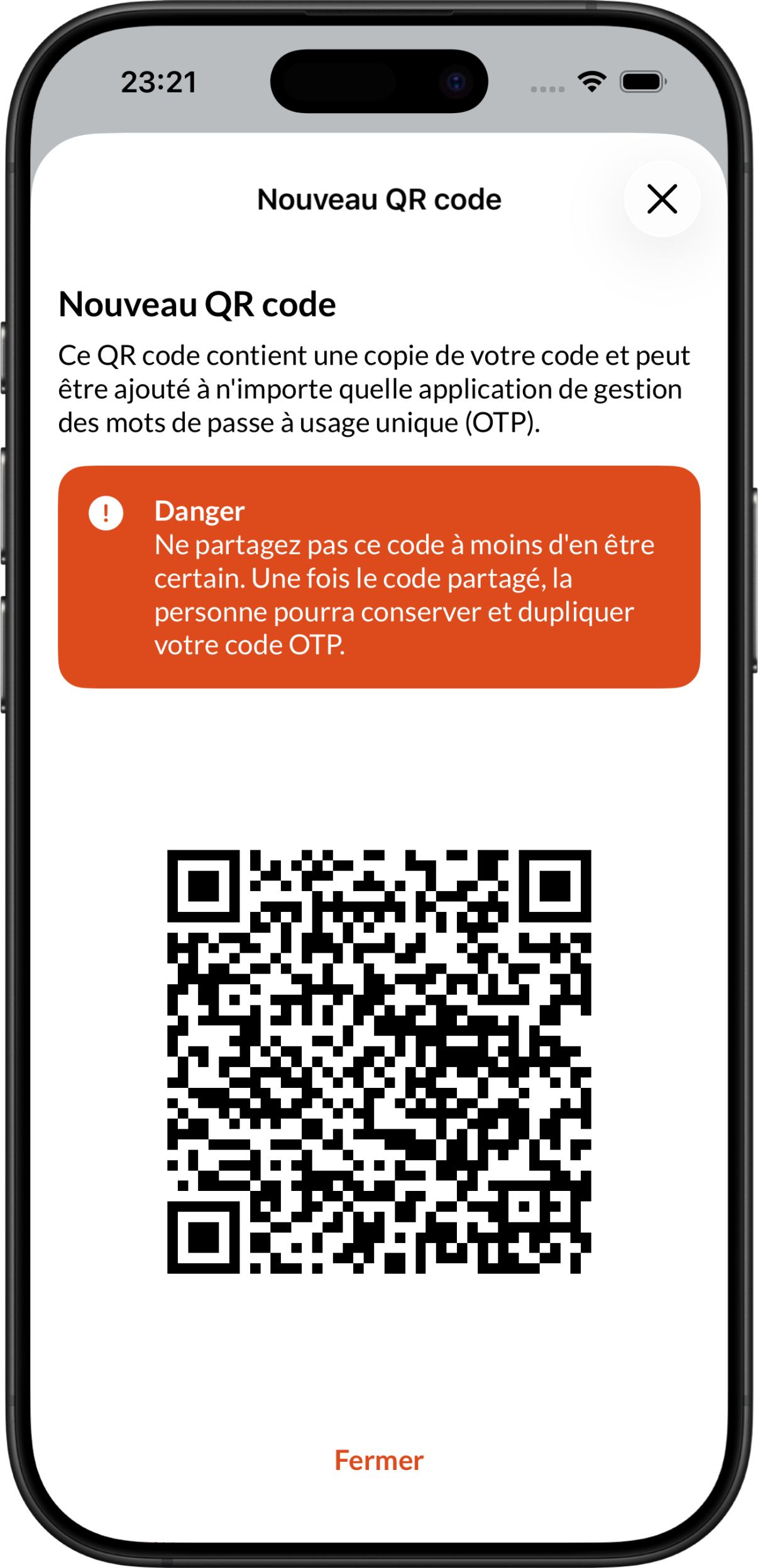
You can also share an OTP code directly using a QR code generated by the application. Most OTP management applications support QR code scanning, which makes transfer much easier.
To do this, go to one of your codes’ pages and select the Create a QR code action:
➡️
Caution
Be careful about the data you share.
It is important to note that sharing one of your OTP codes is equivalent to giving someone one of your passwords.
When you share a secret with Brennus OTP, you are giving away all the information needed to calculate an OTP code. It is then impossible to revoke access to a code. Only share your codes when absolutely necessary.