Title here
Summary here
To function correctly, an OTP code requires six pieces of information:
Caution
Never share the secret of your OTP code. Anyone with this value could easily retrieve your OTP code.
OTP codes can be generated using three algorithms:
Brennus OTP supports all of these algorithms.
Each piece of information, including the algorithm, number of digits, and lifetime, has default values. If your issuer does not provide you with this information, you can use these values:
| Info | Default value |
|---|---|
| Algorithm | SHA1 |
| Number of digits | 6 |
| Lifetime | 30 |
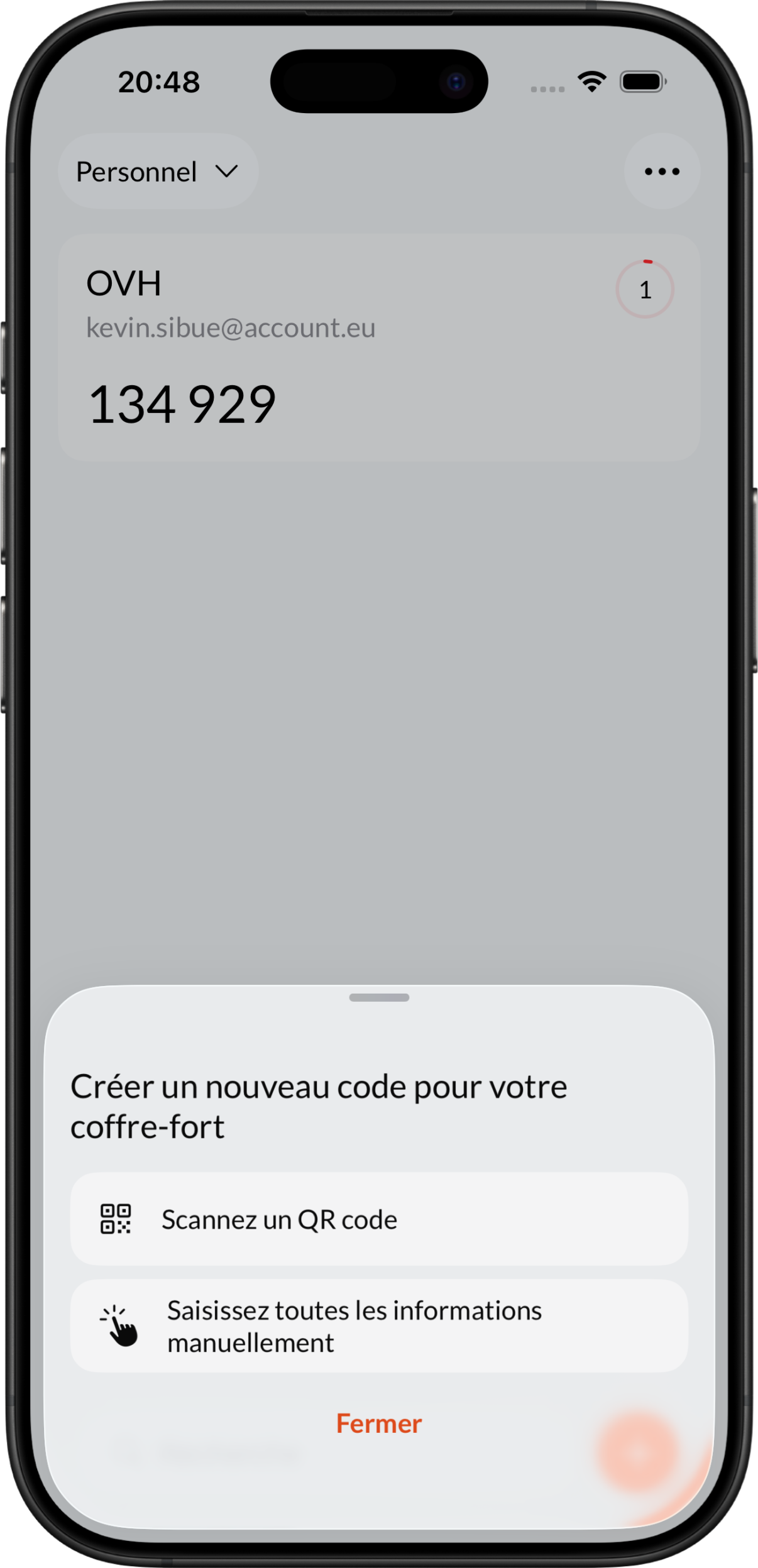
To add a new code, press the + button at the bottom right of the dashboard. A selection page will then offer you the following options:
The second option will give you access to the form:
 ➡️
➡️
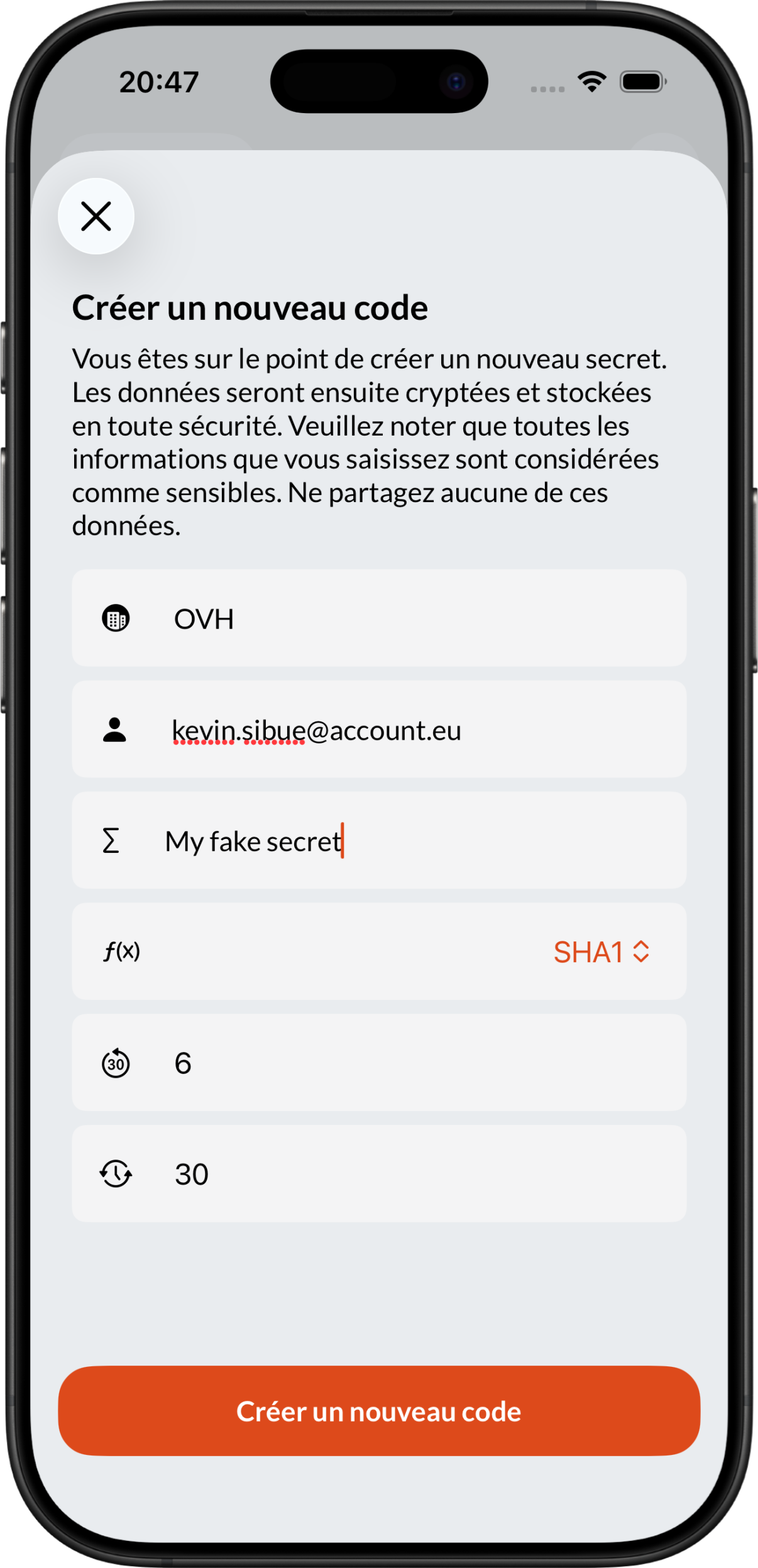
Once validated, the code will appear on your dashboard in the current trunk.