Title here
Summary here
The bug reporter lets us know when the application has crashed, allowing us to plan and fix defective versions as soon as possible without you having to notify us directly by email.
The bug reporter we have set up (Sentry) only reports the parts of the code that have caused problems. None of your sensitive data (codes, safes, etc.) is reported by the bug reporter.
As soon as you onboard the application, you have the option to activate the bug reporter. By default, it is not activated.
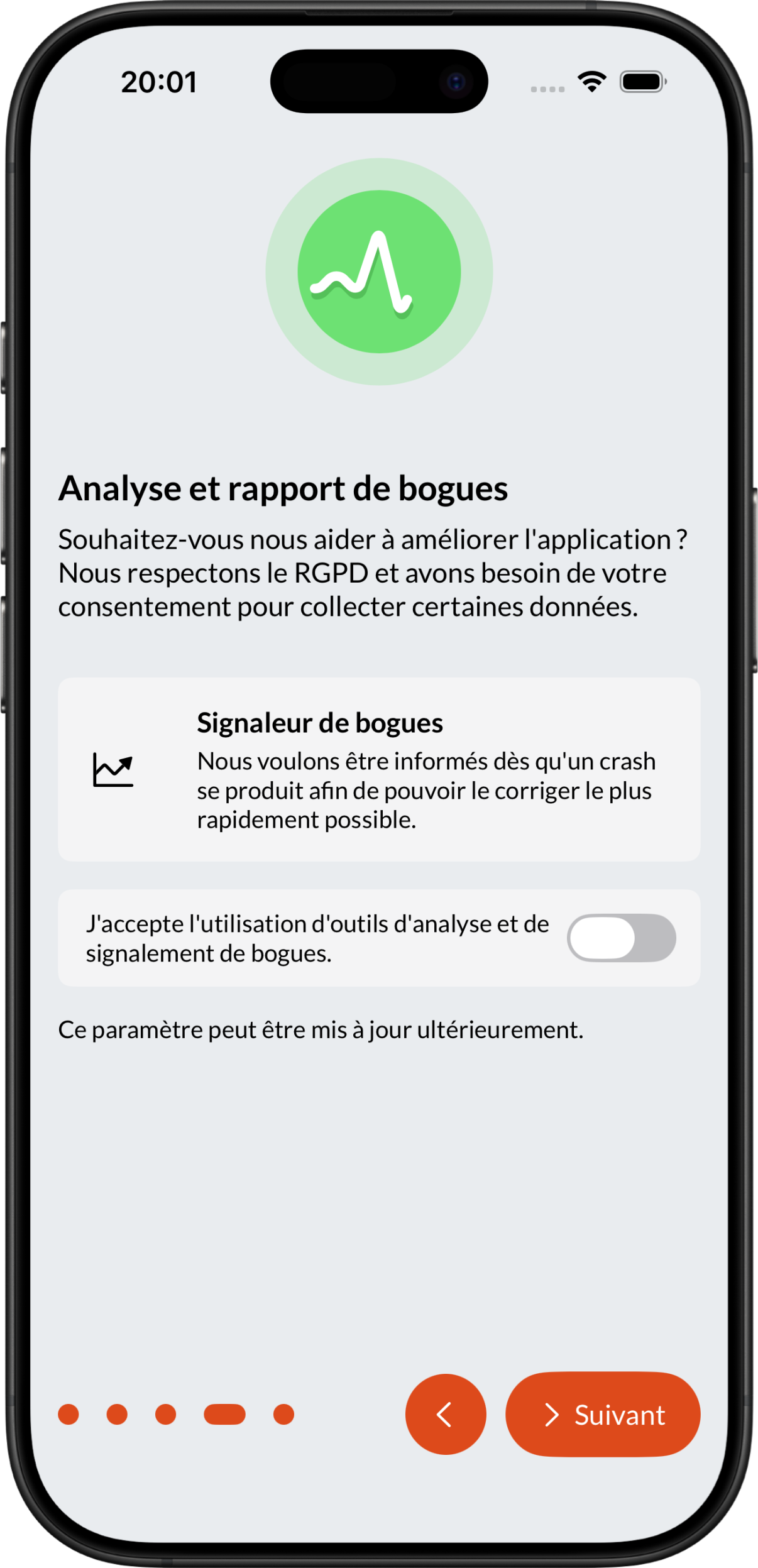
Note
It is entirely possible to change this setting later in the application settings.
Go to the application settings and select Analysis and bug reporting:
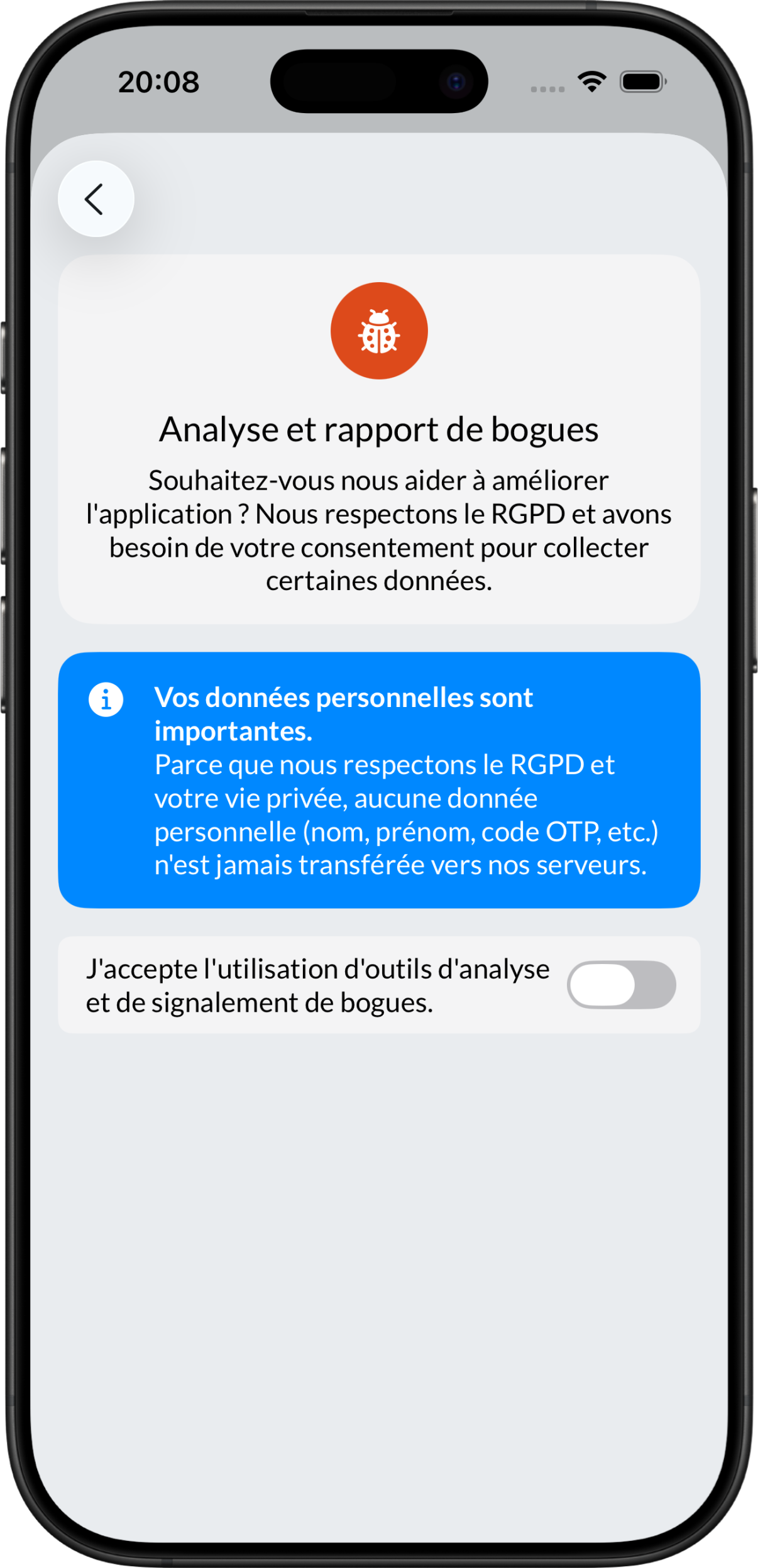
You can then activate the bug reporter.
Note
The change will only take effect after restarting the application.
Go to the application settings and select Analysis and bug reporting:
You can then disable the bug reporter.
Note
The change will only take effect after restarting the application.