Title here
Summary here
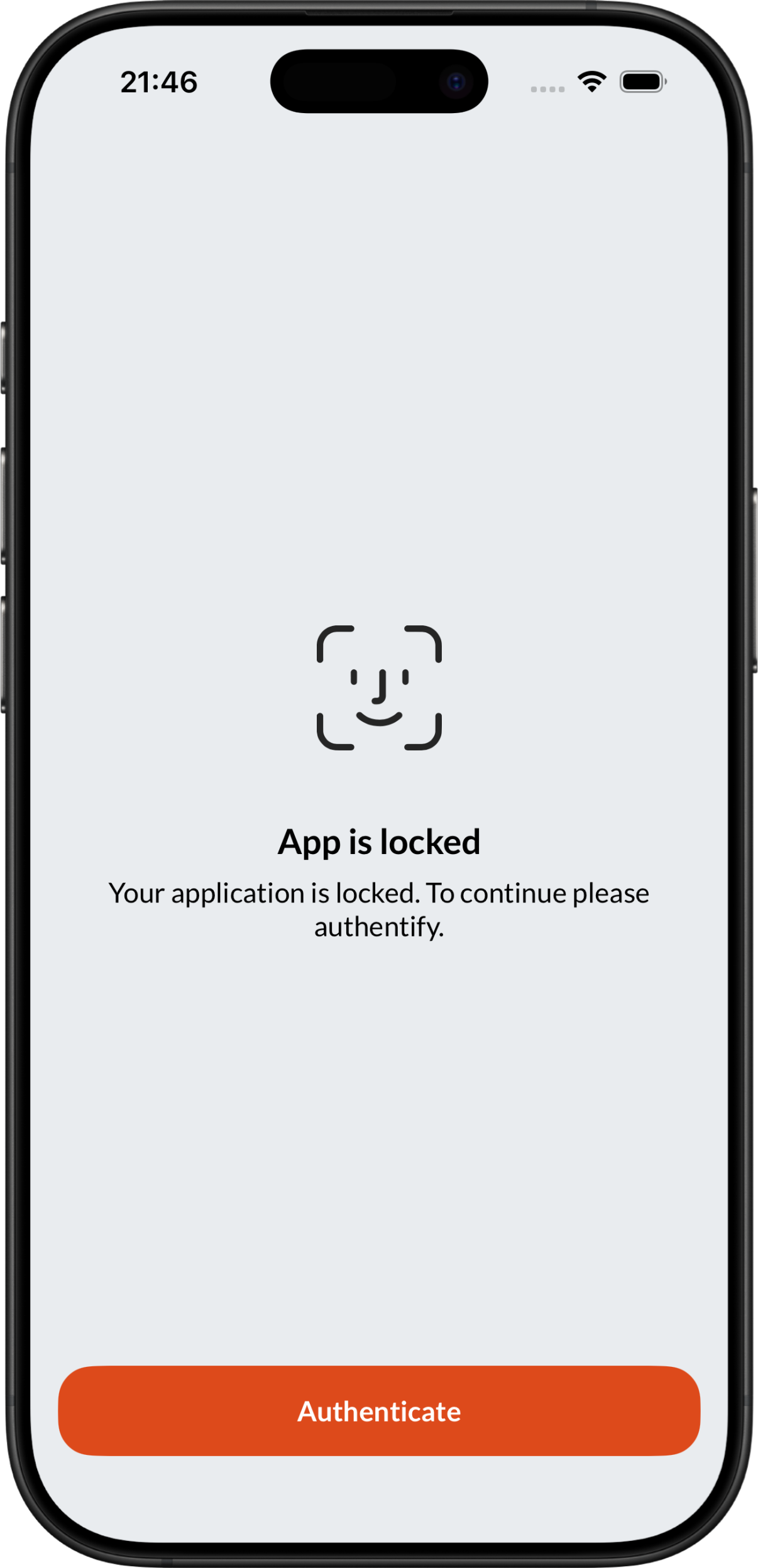
Biometrics allows you to easily validate access to your data. Each time you launch the app, it will verify that you are the owner of the phone before starting.
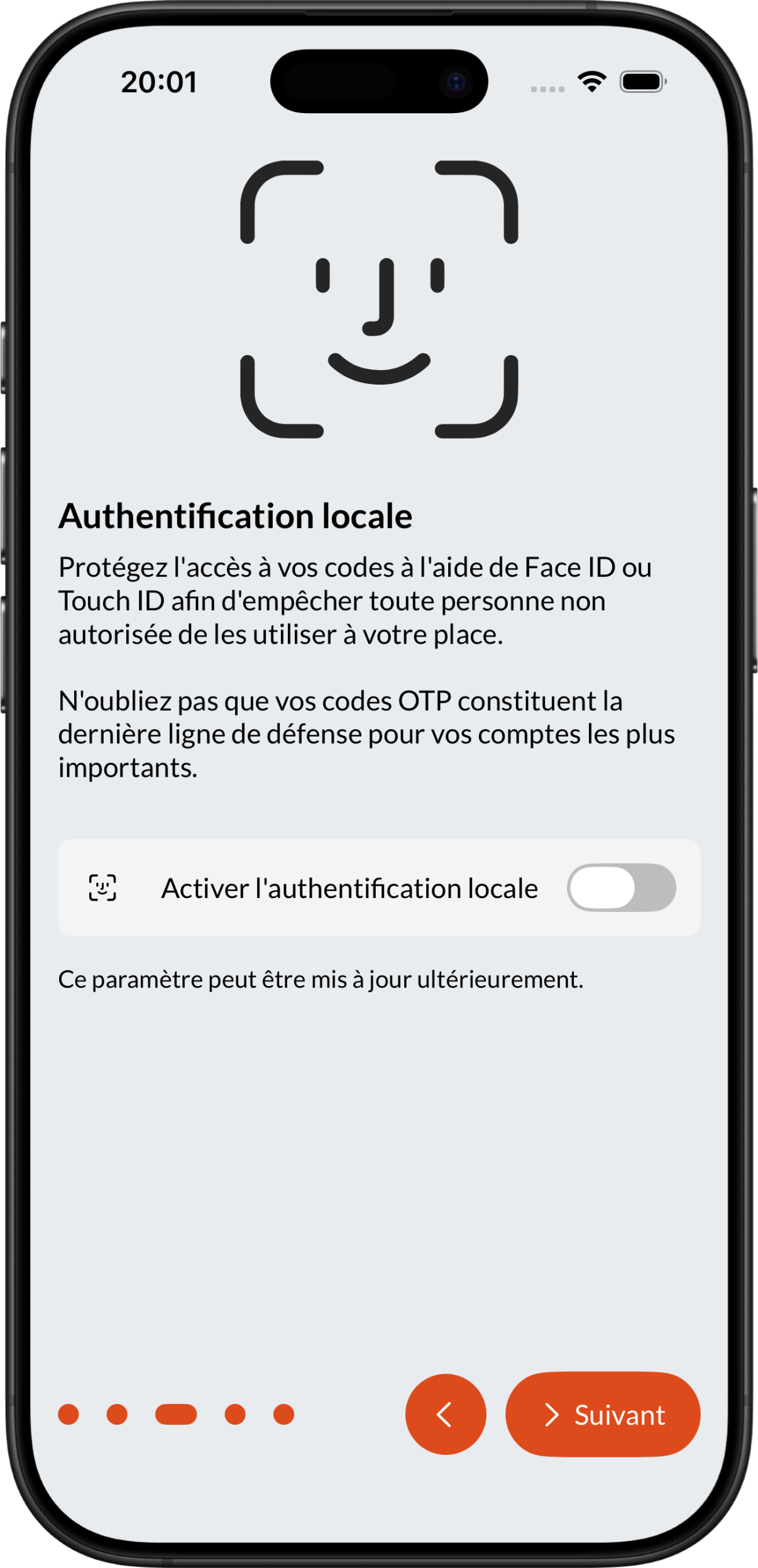
When you first start the application, you have the option to enable biometrics to protect your data:
Note
It is entirely possible to change this setting later in the application settings.
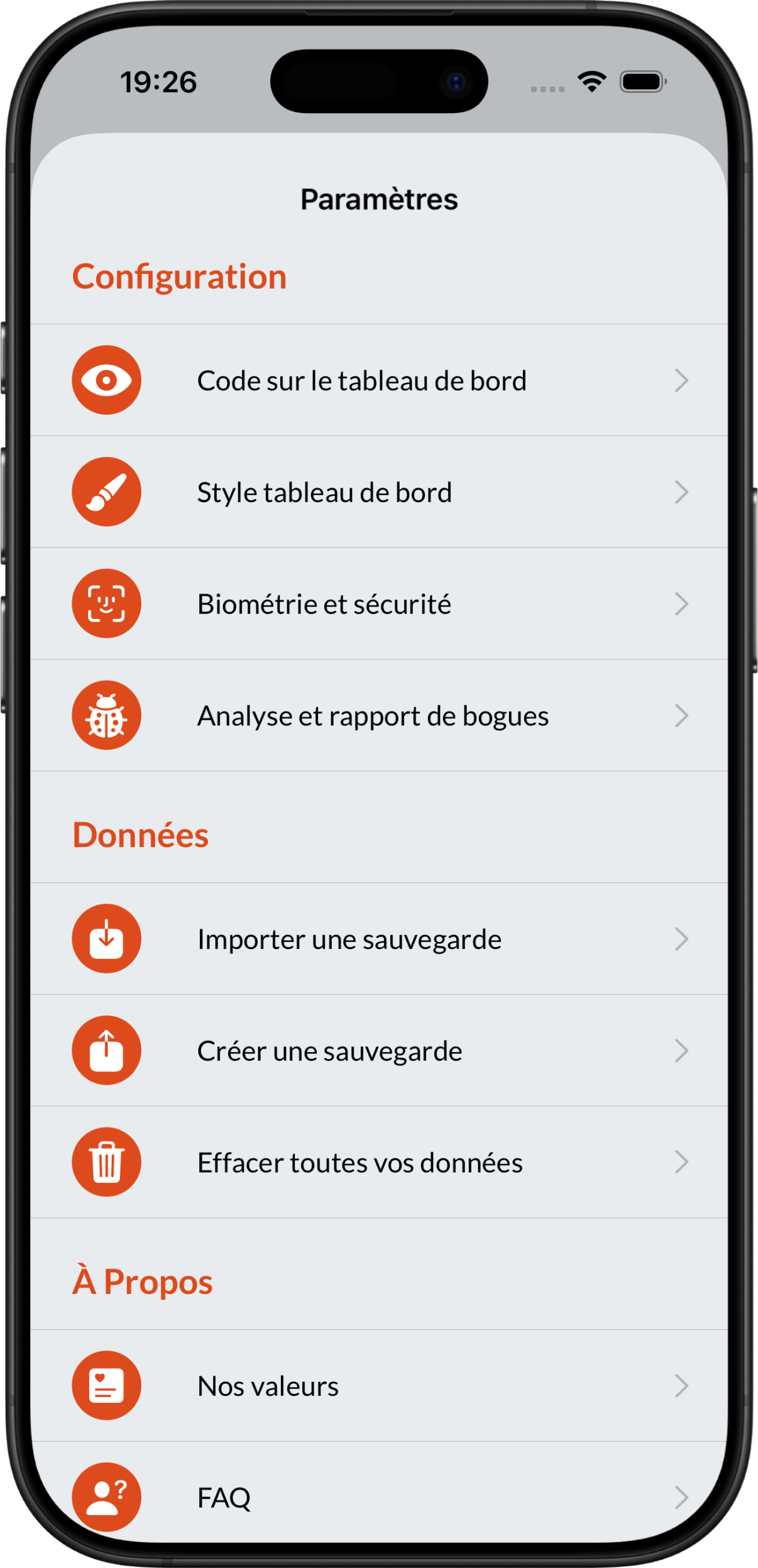
You can go to the app settings and the Biometrics and Security menu to change the app’s security status:
 ➡️
➡️
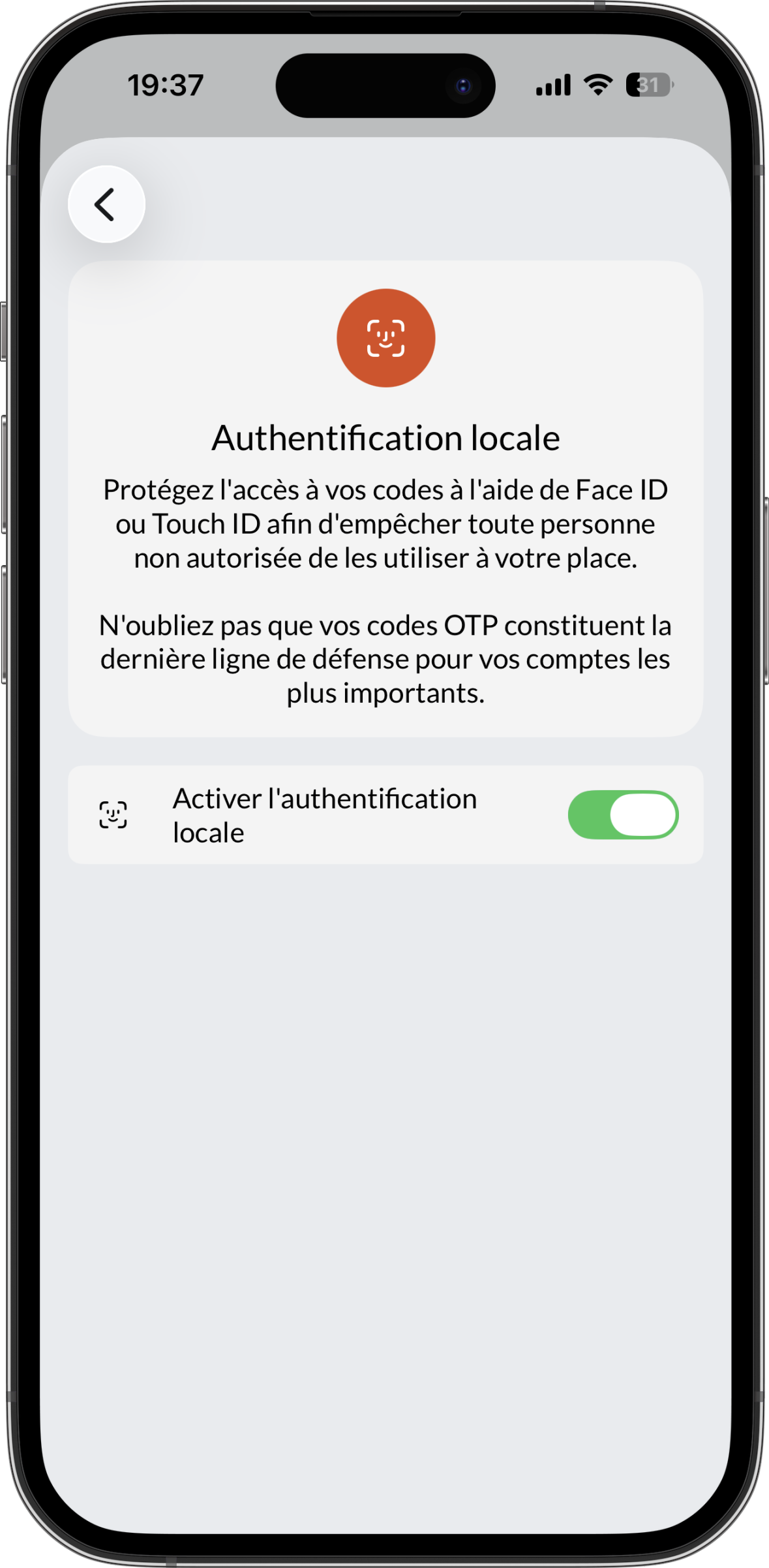
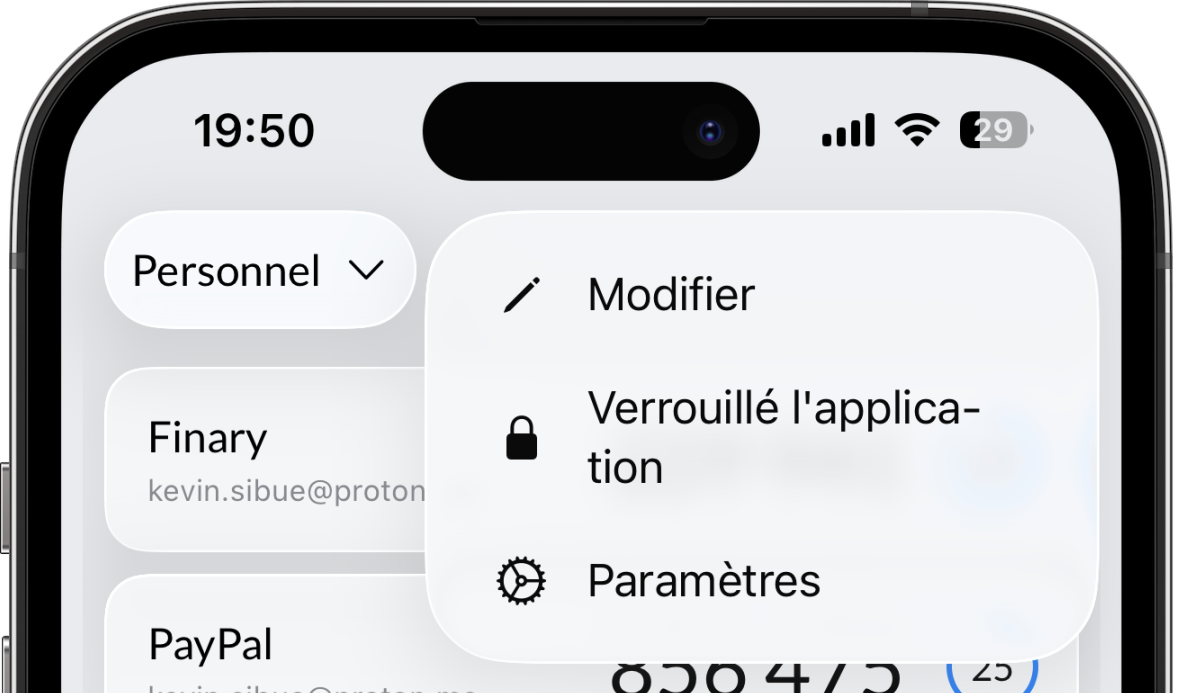
Once biometrics are enabled, you can lock the application on demand directly from the dashboard menu:
 ➡️
➡️
You can disable biometric verification for the app at any time, directly in Settings > Biometrics and Security.
Note
To disable biometrics, you must first enable it. This step is necessary to prevent anyone other than you from doing so without your permission.