Title here
Summary here
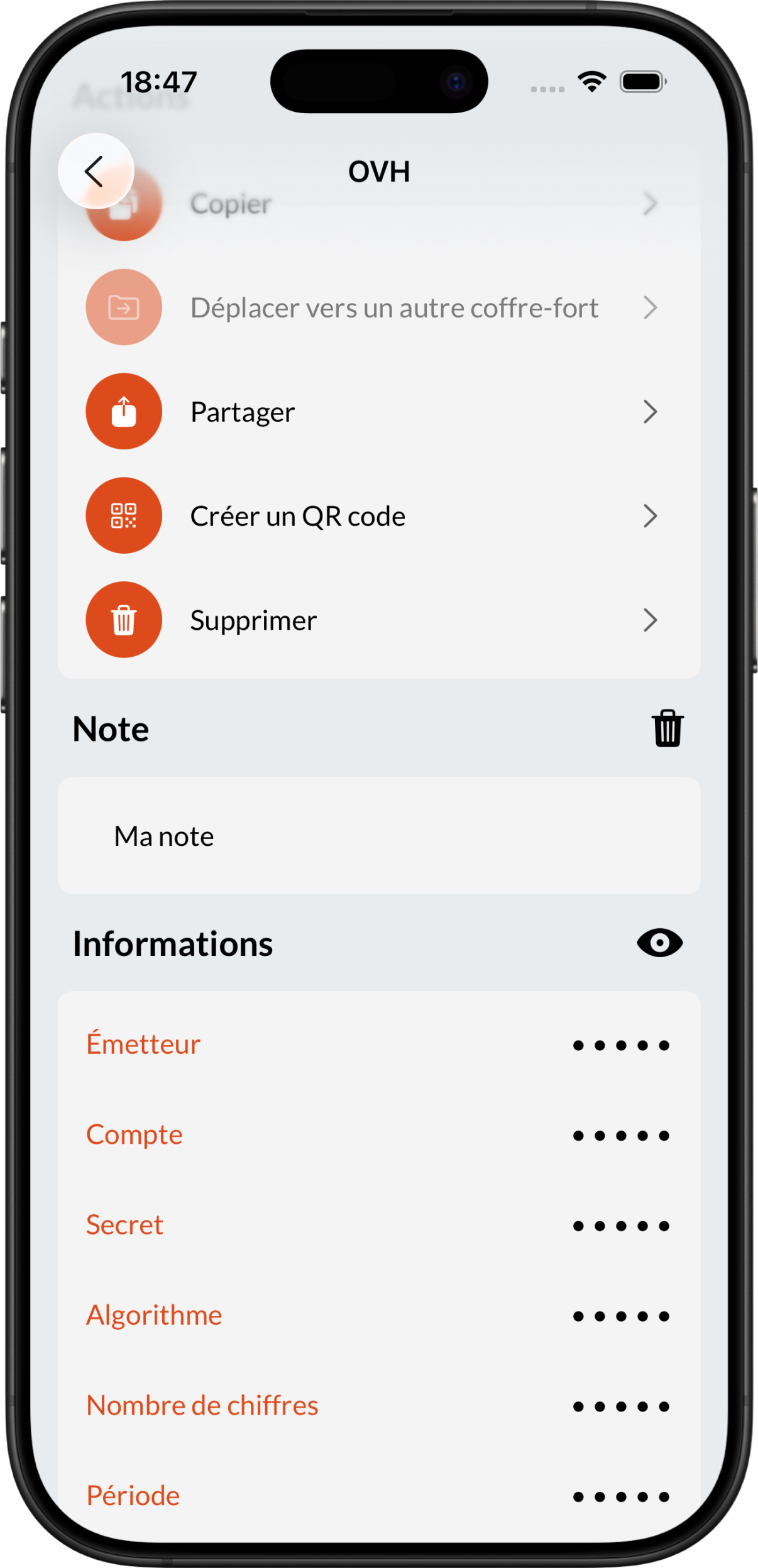
Brennus OTP allows you to add a note to each of your codes. This note can contain any text: backup code, context, etc.
Like the rest of your data, this note is encrypted when saved and therefore has the same level of security.
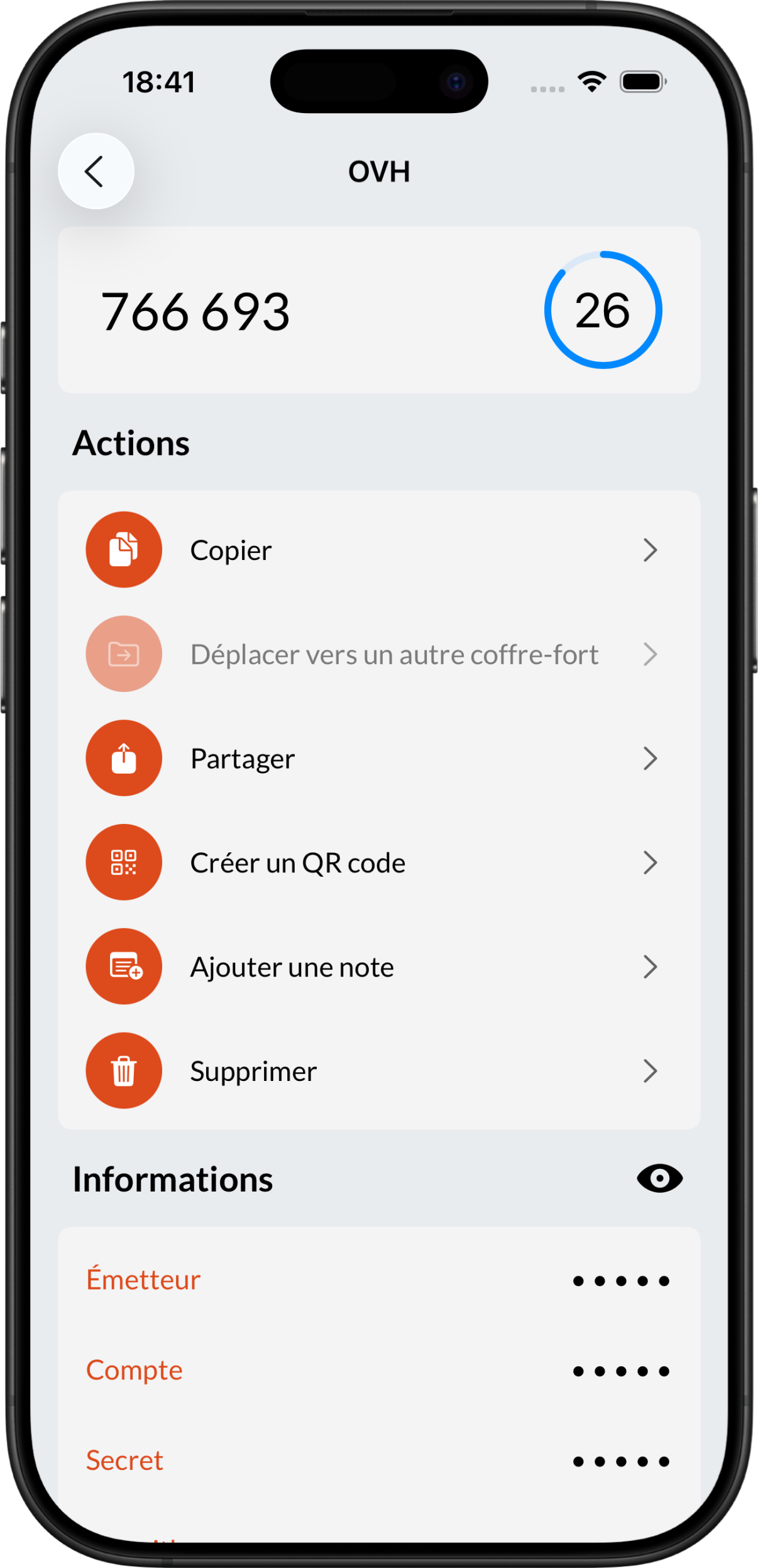
To do this, click on the Add a Note button in the Actions section:
You can delete your note at any time.
Caution
Warning, this action is irreversible.
To do this, simply click on the “🗑️” button on the right side of the title in the Note section: